
Workspaces, the switcher and your view
Updated · First published
Two controls sit near each other and are easy to confuse. One picks which website you are working on. The other picks how much of the product you want to see. They do different jobs.
One website, one workspace
Every site you add gets its own workspace. Add another site, in the switcher under the logo, creates a workspace for the new site and takes you there.
That means a workspace is the boundary for almost everything attached to a site:
- Its people and their roles
- Its settings, guest post rules and exchange rules
- Its audits, findings and fix list
- Its content calendar and where that calendar publishes
- Its link partnerships and the ledger of links with each one
- Which Pro slot covers it
A few things belong to you rather than to any site, and follow you between workspaces: your profile, your notification preferences, the guest posts you write for other people, and the website invitations you have sent.
The workspace switcher
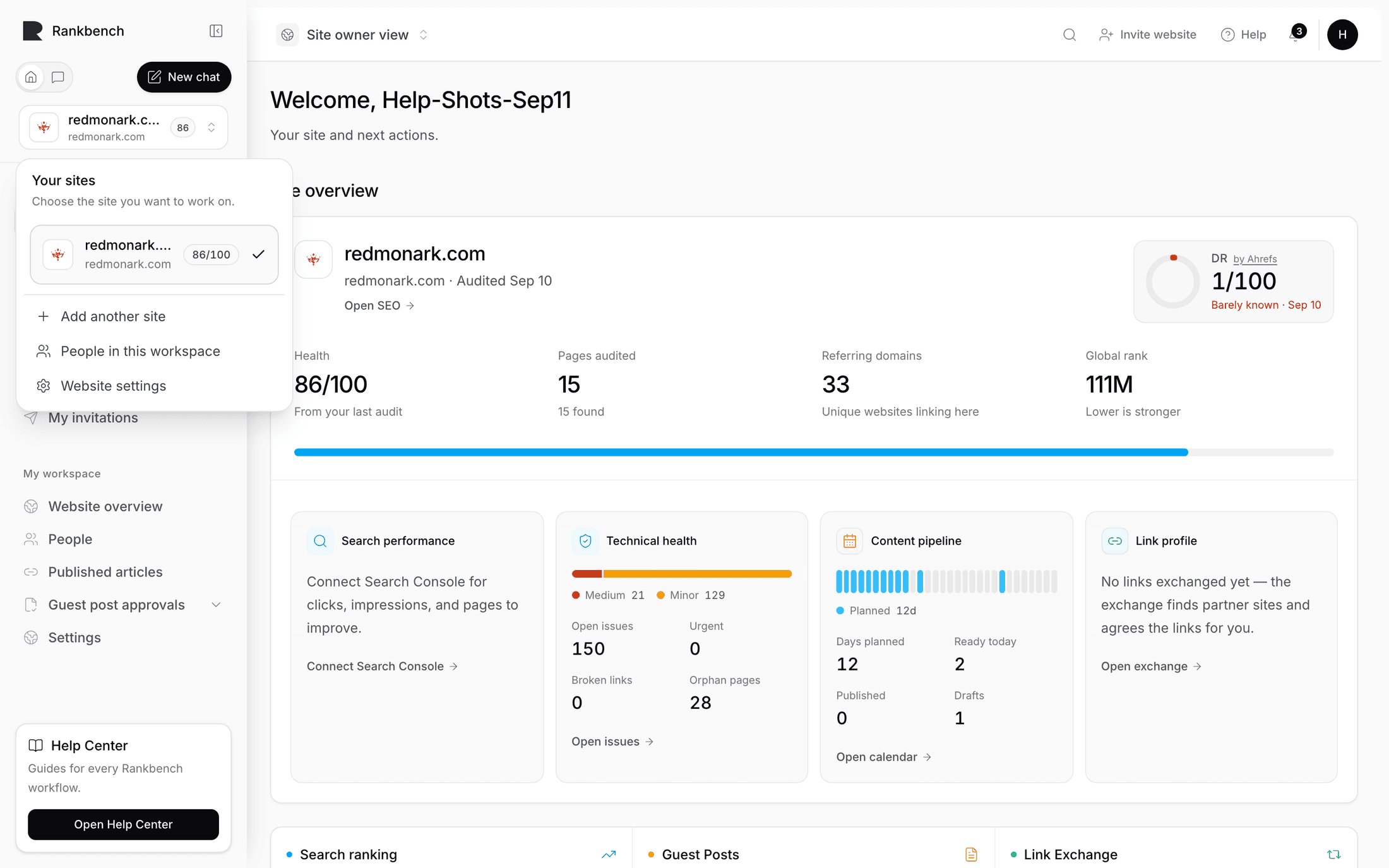
The switcher sits under the logo, at the top of the sidebar. Open it and you get your sites with the line "Choose the site you want to work on."
Picking one changes the whole workspace under you. The sidebar stays the same shape, but every page in it is now about that site.
If you are a platform superadmin looking inside somebody else's workspace, a banner says so and the session is read only: "Looking at another workspace. Read-only." Ordinary members never see this.
The view switch
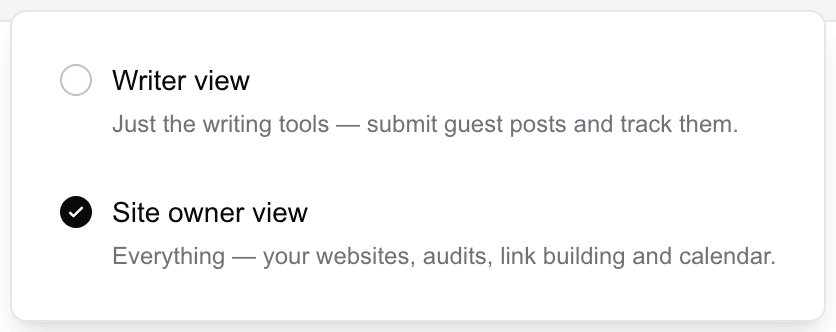
The second control, in the header, is Choose your view, described as "Show the tools that match what you are doing now."
Site owner view shows everything: the dashboard, the content calendar, backlink exchange, guest posts, SEO, and your workspace's own settings.
Writer view trims the sidebar to the writing path: the dashboard, guest posts with its three entries, notifications and your profile. That is the complete list of what somebody writing for other people's sites needs.
It is a lens, not a permission
This is the part worth internalising, because the switch looks like a role selector and is not one.
Switching is always allowed. Nothing asks whether you are entitled to site owner view, and nothing unlocks by choosing it. All it decides is which menu items are drawn. What your account may actually do comes from your workspace membership and role, and every page enforces that independently of the view you are in.
So a guest author who flips to site owner view sees more menu items, opens one, and gets that page's own answer, which is usually an invitation to add a site. A site owner who flips to writer view has lost nothing; their sites and audits are one switch away.
Accounts with a workspace start in site owner view. Accounts without one start in writer view. After that your choice is remembered in that browser.
The label under your name
The profile menu carries a short label. It is not the view you are in, it is what your account is. With a role in a workspace it shows that role. Without any workspace it reads Guest Author.
That label does not change when you flip views. A guest author browsing in site owner view is still a guest author.
Where to go next
To bring somebody else into a workspace, read people and roles. To see what a workspace's own settings hold, read your website and its settings.
Still stuck?
Open Rankbench and the page this article describes — most screens explain themselves as you go.