Connecting Search Console and turning its data into clicks
Updated August 24, 2026 · 12 min read
Rankbank can tell you a lot by reading your site. It can tell you which pages are thin, which ones nothing links to, which twelve share a title. What it can't tell you from the site alone is what people are typing, which of your pages Google already shows them, and how close each one is to being clicked.
That's what Search Console gives you. It's the difference between "this title is short" and "this page is shown 2,400 times a month at position six and almost nobody clicks it, and here's what those clicks are worth".
This walkthrough connects it, then spends the rest of its time doing something with the result. You'll finish three concrete pieces of work from the growth plan and know how to check, two weeks later, whether they moved anything.
What you'll have by the end
- Search Console connected, synced, and reporting on the right property
- One page's title and description rewritten because the data said it was leaking clicks
- One page pushed with internal links, approved onto your fix list, and confirmed
- One search you have no page for, handed over to the content calendar as a planned article
Before you start
You need a site that's been read at least once. If that hasn't happened, your first site audit gets you there and takes about half an hour.
You also need a Google account with access to a Search Console property for this domain. If the property doesn't exist yet, create it in Search Console first. Rankbank can only report on properties your Google account can already see.
Connecting, honestly
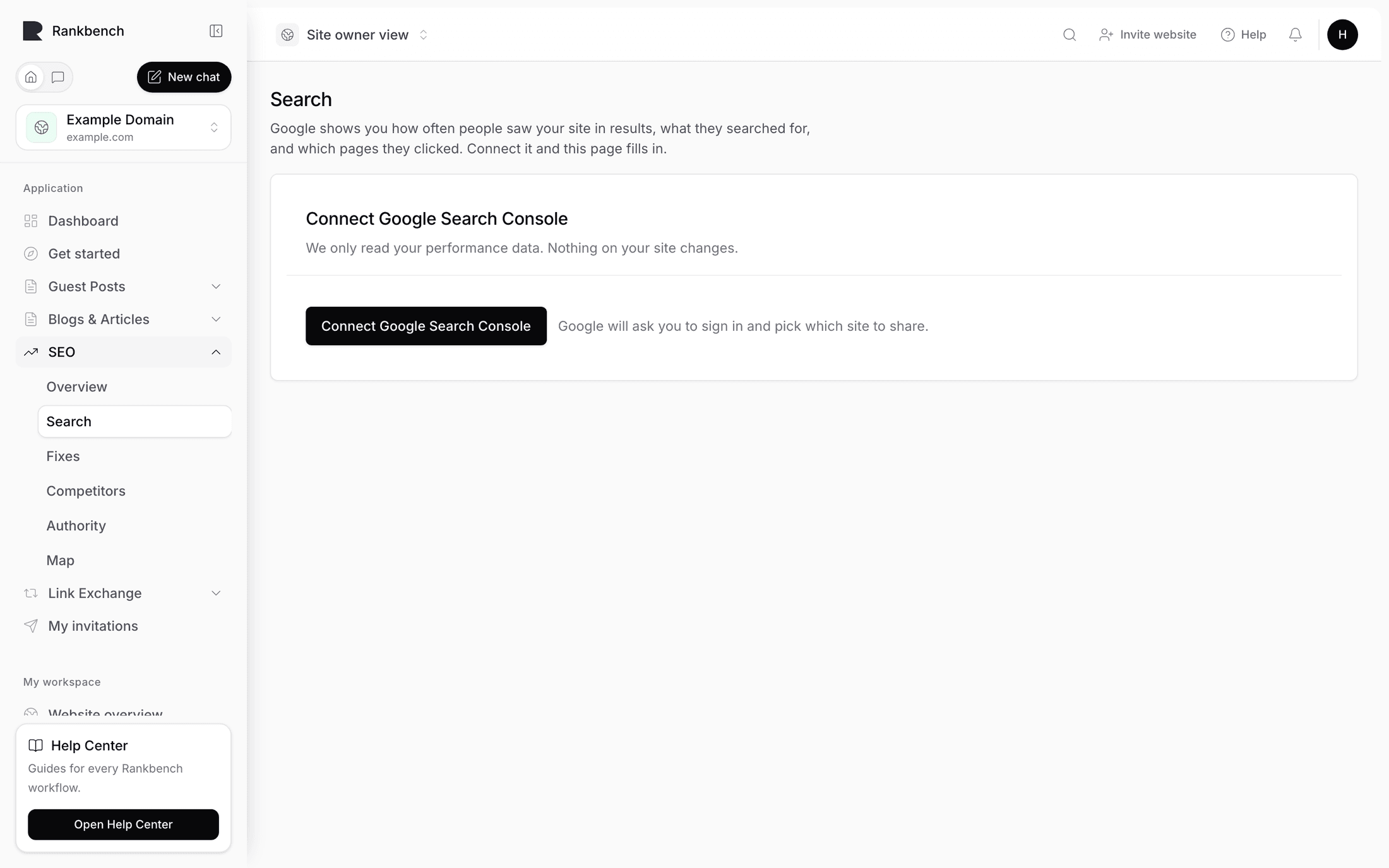
Open your site, go to Search traffic under Site audit. The connection card at the top is blunt about what this is: "Optional — everything else keeps working without it. Connecting just makes suggestions smarter."

Press Connect Google Search Console. The line under the button tells you exactly what happens next: "Google will ask you to sign in and pick which site to share." You go to Google's own sign-in, choose the account, and approve read access to your Search Console data. Rankbank reads. It does not write to Search Console, and it never touches your site.
Back in Rankbank you land on a property picker.
Two things are worth understanding here.
First, only properties that match this project's domain appear. If your Google account has fifteen properties, you'll see a line telling you how many belong to different domains and what to do about them, which is to add them as their own projects. If none match at all, you'll get "None of your Google sites match this project" with the fix spelled out: add the property in Search Console first, or connect this project to the site it actually belongs to.
Second, domain properties and URL properties behave differently. A domain property covers every subdomain and both http and https. A URL property covers exactly one prefix, so https://example.com/ and https://www.example.com/ are separate properties with separate data. If you have both, pick the domain property. If you only have a URL property, make sure it's the prefix your site actually serves.
Picking a property saves it and runs the first sync in the same step. You'll get a confirmation naming what came back, along the lines of "Property saved and sync completed for 340 pages and 62 opportunities." After that the picker folds itself away behind a line reading "Reporting on {property} — change site".

Note
Every window of data ends two days back. Google finalises its numbers late, so the most recent two days are incomplete and would make yesterday look like a collapse. That gap is deliberate, not a sync failure.
You can re-sync any time with Sync 7 days, Sync 28 days, or Sync 3 months. There is no scheduled sync. If you want fresh numbers, you press the button. Connecting Google Search Console covers disconnecting, re-syncing, and the property rules in more detail.
What changed the moment it synced
Go back to the site Overview. Three things look different.
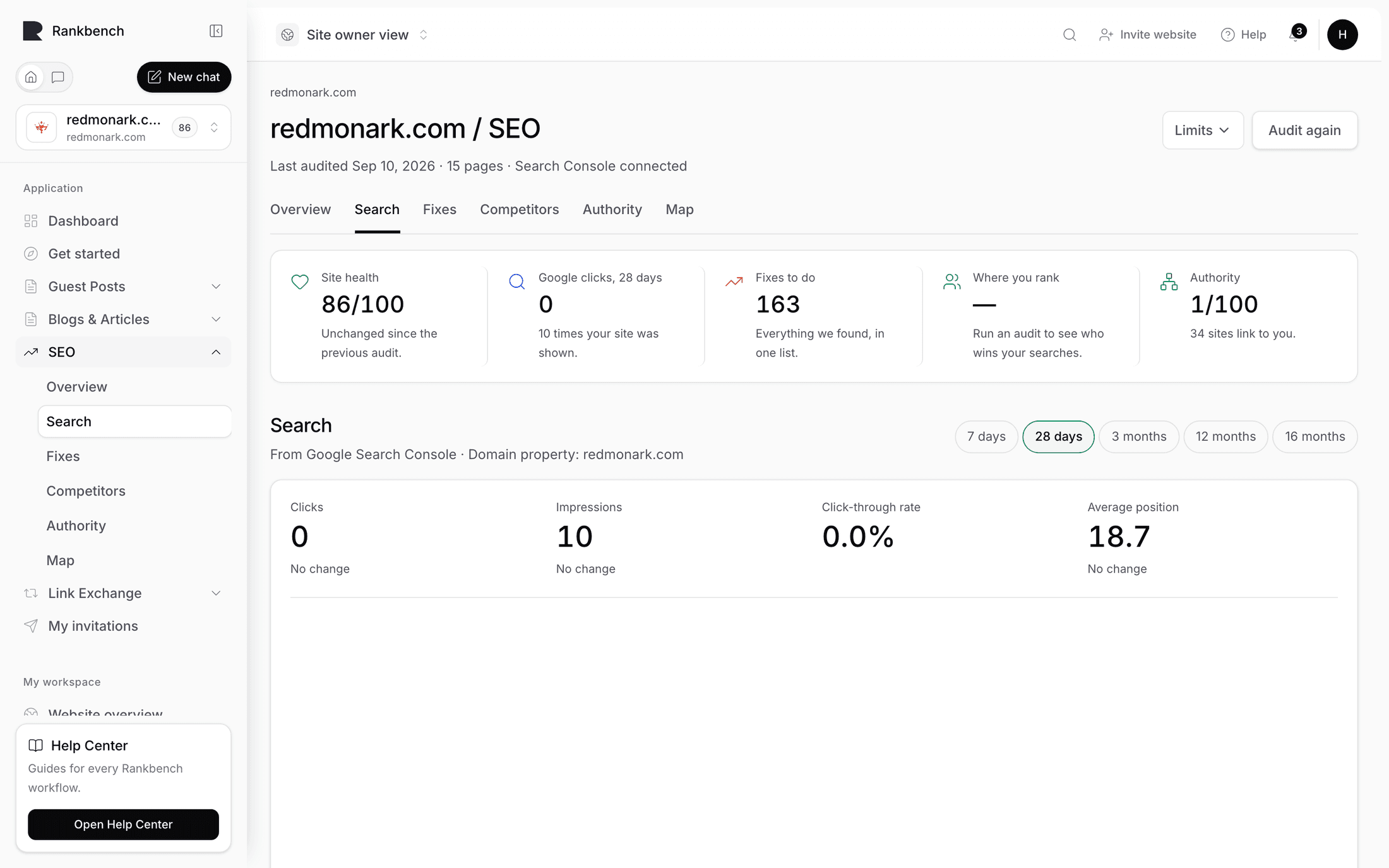
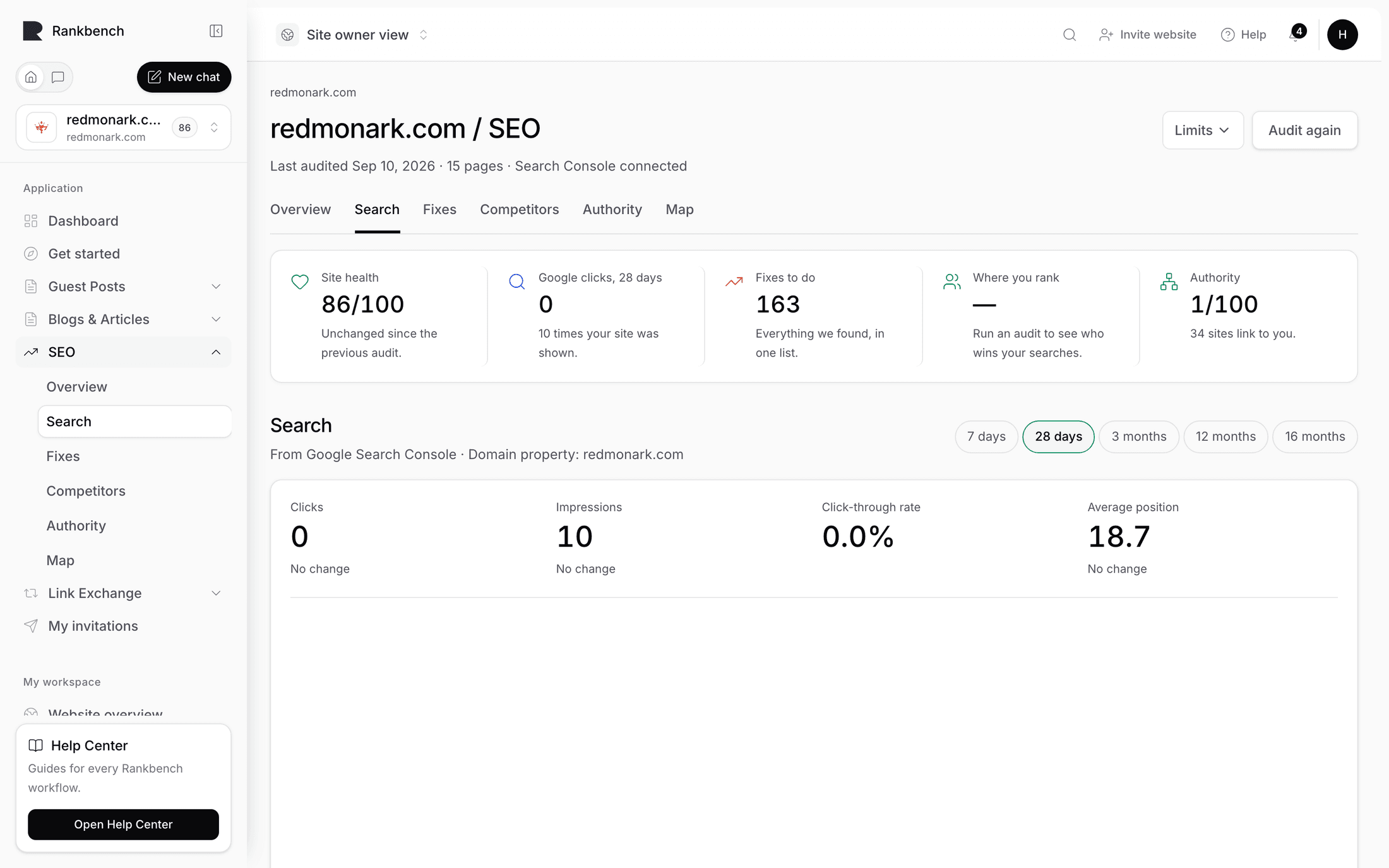
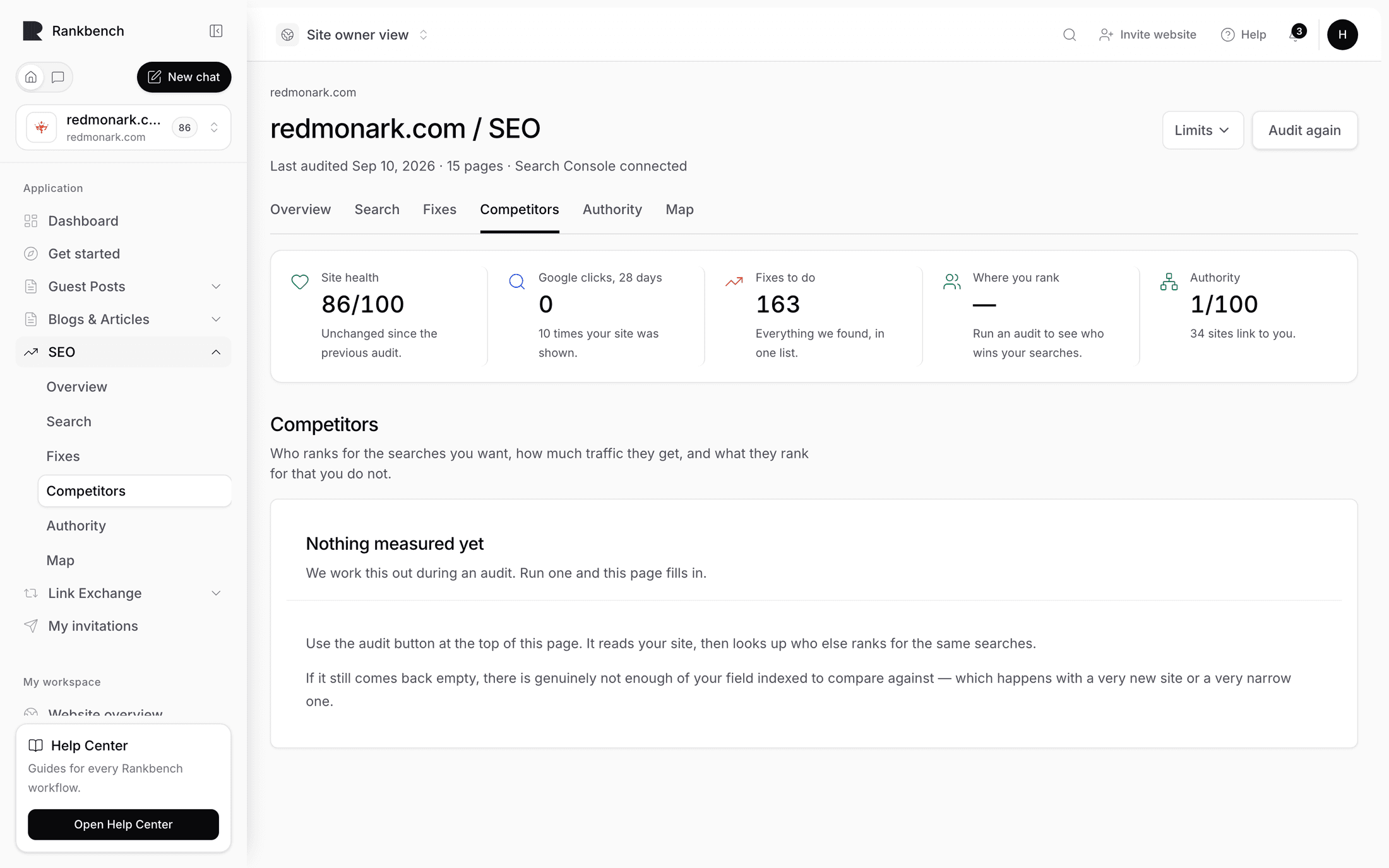
The Clicks on the table tile now has a number instead of a prompt to connect. That number is what the findings below are collectively worth, converted from impressions and positions using a click-through curve. The Google clicks, 28 days tile has a real figure and a comparison against the 28 days before it.
And in the Where to go next panels, the Search growth side now carries an estimate per month and a sentence naming your biggest win, instead of the placeholder telling you to connect.
Findings changed too. A whole family of them only fires once search data exists, and they're the ones that talk about demand: pages ranking just off page one, searches you nearly rank for, pages earning traffic that nothing on your site links to. Everything Rankbank looks for marks which findings need Search Console.
Working the growth plan
Open Growth plan under Search growth. Its description sets the terms: what to change to earn more clicks, each suggestion priced in clicks per month.
At the top, Your biggest win right now totals it up and tells you how to use the page: work top to bottom, because the list is sorted by payoff.

Underneath are five sections, and they're in that order for a reason. Make more people click is first because rewriting a title is ten minutes and needs nothing from anybody else. Getting other sites to link to you is fourth because it takes months. Then Searches you have no answer for, which is next month's writing.
If you see "Nothing to change right now", read the second line before you feel cheated: Rankbank went through your pages and your search data and found nothing worth acting on, which it calls good news. Check again after your next read.
If instead you see "No search data to work with yet", the sync ran but Google has nothing for this domain in the last month. New sites and newly verified properties genuinely take weeks. The plan builds itself as soon as numbers arrive.
The growth plan documents all five sections. We're going to do one thing from three of them.
One: a title that isn't earning its ranking
Open the first card under Make more people click. The section's own explanation is the pitch: these pages already show up in searches, their titles and descriptions just aren't earning the click, and rewording them is the cheapest traffic you'll ever get.

Take a real example. A page seen 3,100 times a month at position five, earning 44 clicks. The curve says position five typically earns about 6 percent of impressions, which would be roughly 186 clicks. The gap is the opportunity, and the card prices it.
Now look at the title in the evidence line. In the case I keep seeing, it reads something like "Services | Company Name". That title tells a searcher nothing about which service or who it's for, so they skip it and click the result that does.
Rewriting well is mostly a matter of putting the thing the person searched for at the front, in their words, and then giving them one reason to pick you. If the queries under the card are all "invoice reconciliation software", then "Invoice reconciliation software" belongs in the first four words, not after your brand name. Keep it under about sixty characters so it isn't cut off, and make the description a promise the page actually keeps. A description that oversells gets the click and loses the visitor, and Google reads that round trip.
Press Copy AI prompt if you want a starting set of options. The prompt carries the page's real title, description, and queries, and you paste it into ChatGPT, Claude, or whatever you use. Nothing runs on Rankbank's side. Then choose one, publish it, press Add to my fix list on the card and I've made this change when it's live.
Titles take one to three weeks to show up in results. Note the date somewhere.
Two: a page one push from page one
Now open One push from page one. These are pages ranking just below where clicks happen, and the section explains why that matters: small pushes move them now, while the same effort on a page ranking fortieth would achieve nothing.
Some of these cards say the page is on page one and unsupported, meaning it has fewer internal links than the median page on your own site. That's the version worth fixing today, because internal links are the one ranking lever you fully control. You don't need anybody's permission, and you don't need to wait for a partner.
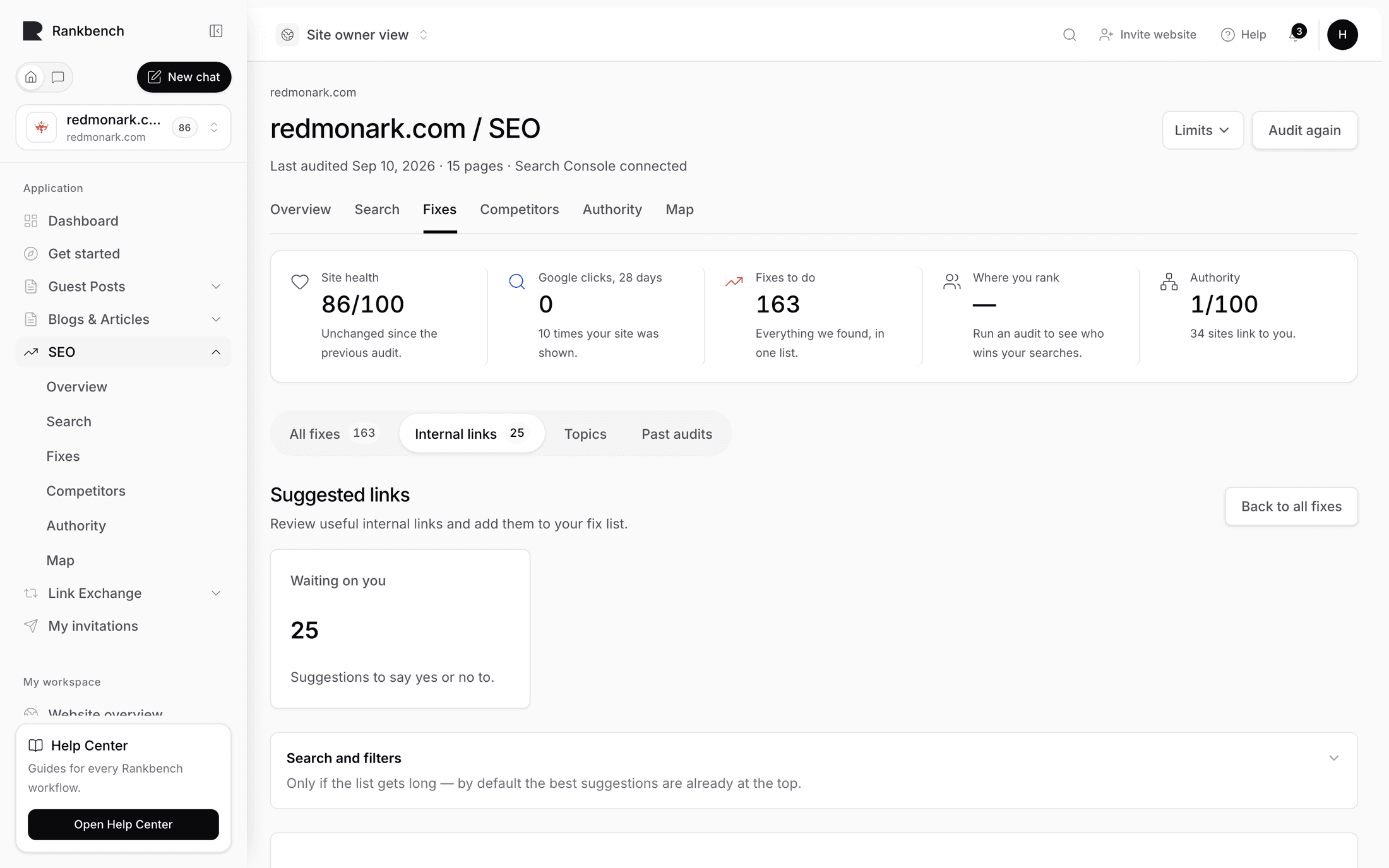
At the bottom of the section there's a link reading See suggested links for these pages. Follow it.
If the page is empty, press Suggest links for me. Rankbank reads your pages and proposes source-to-target pairs with evidence for each, and it's explicit that nothing touches your site: these are suggestions only. When it's done you get a count, something like "Generated 34 link opportunities from 210 candidate pairs".

Find the ones pointing at your under-supported page. Read the reason sentence, which usually says the two pages cover related topics but the source never links to the target. Open Why we suggest this to see the crawl evidence, the semantic evidence, and the context snippet showing where the link would sit.
Anchor text is the visible words a link is made of. The sidebar suggests one and offers alternatives. Pick the one a human would write in that sentence, not the one that crams your keyword in twice.
Press Add to my fix list. That single button approves the suggestion and creates the task at the same time. If a suggestion is wrong, No thanks is right there and dismissing it is not a failure, it's feedback.
Now go to Your fix list and read your task. It's written as an instruction: on the source page, add a link to the target page using specific words. Go and do exactly that in your CMS, then press Done — check the page.
Rankbank re-reads that page and reports back. Confirmed means the link is really there, pointing where it should. Not found means it looked and the link wasn't on the page, which usually means a caching layer or an unsaved draft. Almost means the link exists but with different wording or in a different place, and that's often fine. Suggested links and your fix list cover the loop.
Two or three internal links from relevant pages is a real push. Twenty from your footer is not.
Three: a search you have no page for
Scroll to Searches you have no answer for. These are real searches that already show your site, with nothing of yours answering them properly. Each card is a page worth writing, and the demand behind it was measured rather than guessed.

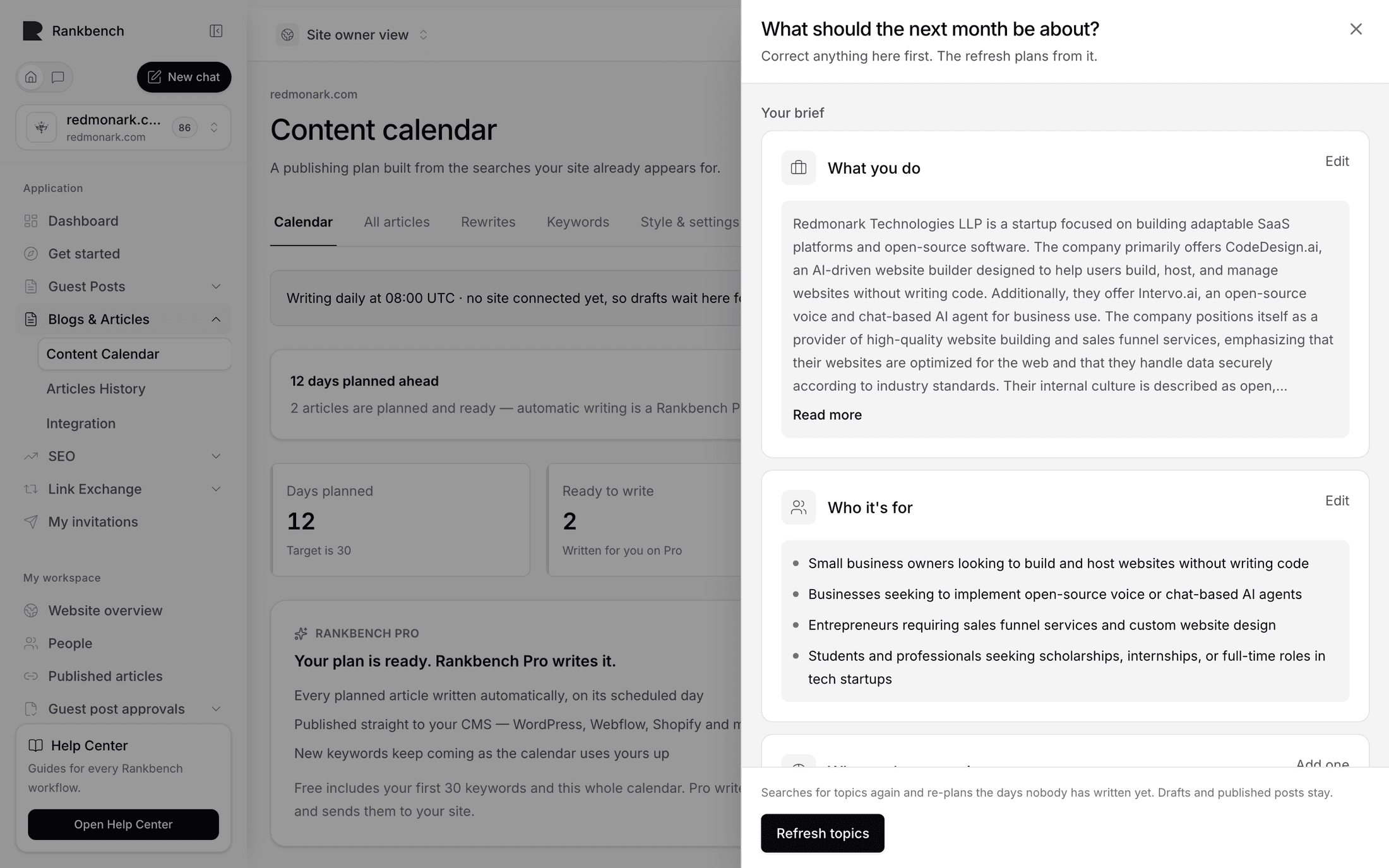
Don't write it now. Plan it. At the bottom of the section, Plan these in Content ideas takes you to topics and content ideas, where Pages worth writing collects the same gaps, and Plan these in the content calendar hands them to the content calendar as scheduled days.
That's the whole handoff. The audit finds the gap, the calendar turns it into a dated article, and you review the draft. A month of content, done properly covers that end of the pipe.
Tip
The fourth section, Getting other sites to link to you, is the one people skip because it's slow. It's also the one that raises the ceiling on everything else. Start it in the background now: your first link swap and authority explain what actually moves it.
Two weeks later: did any of it work?
Come back in a fortnight. Press Sync 28 days so you're looking at fresh numbers, then read three things.
The six stat cards at the top of Search traffic. Clicks, impressions, average CTR, average position, pages with impressions, and unmatched URLs, each with a comparison against the period before. Position deltas read as "Improved 2 places" or "Slipped 3 places", which is more useful than a bare decimal.

Pages that gained and Pages that lost, each showing the top five with their before and after positions. Look for your rewritten title in the gained list. If it's in the lost list instead, the new title may be less clear than the old one, and reverting is a legitimate result rather than an embarrassment. The losers list carries the better warning anyway: a page that already earned clicks is easier to defend than to win back.
Then go back to the Growth plan. The card you acted on should be gone or reduced. New cards will have appeared, because the plan rebuilds from whatever the latest data says.
If your site has market data available you'll also see the coverage tile, How much of Google you cover, comparing the searches you appear for and what those rankings are worth against the clicks Google actually recorded. A large estimate beside few real clicks usually means the rankings exist but sit too low to be clicked, which is exactly what the growth plan is for. If you don't see the tile at all, that's normal. It only renders when market data exists, and its absence is not an error.

Three changes, one fortnight, and a way to tell. Do it again. The Search traffic page covers the opportunities list and the query table when you want to go deeper than the cards.
Where to go from here
- The growth plan: the reference for all five sections and what belongs in each
- Topics and content ideas: where measured demand becomes a list of articles worth writing
- Authority: the half of ranking that doesn't come from your own pages, and what actually moves it
Still stuck?
Open Rankbank and the page this article describes — most screens explain themselves as you go.