
Running the site audit
Updated · First published
An audit is one run that does nine things in order and fills in almost every screen in the SEO section. You start it; it does not run on a timer.
Starting one
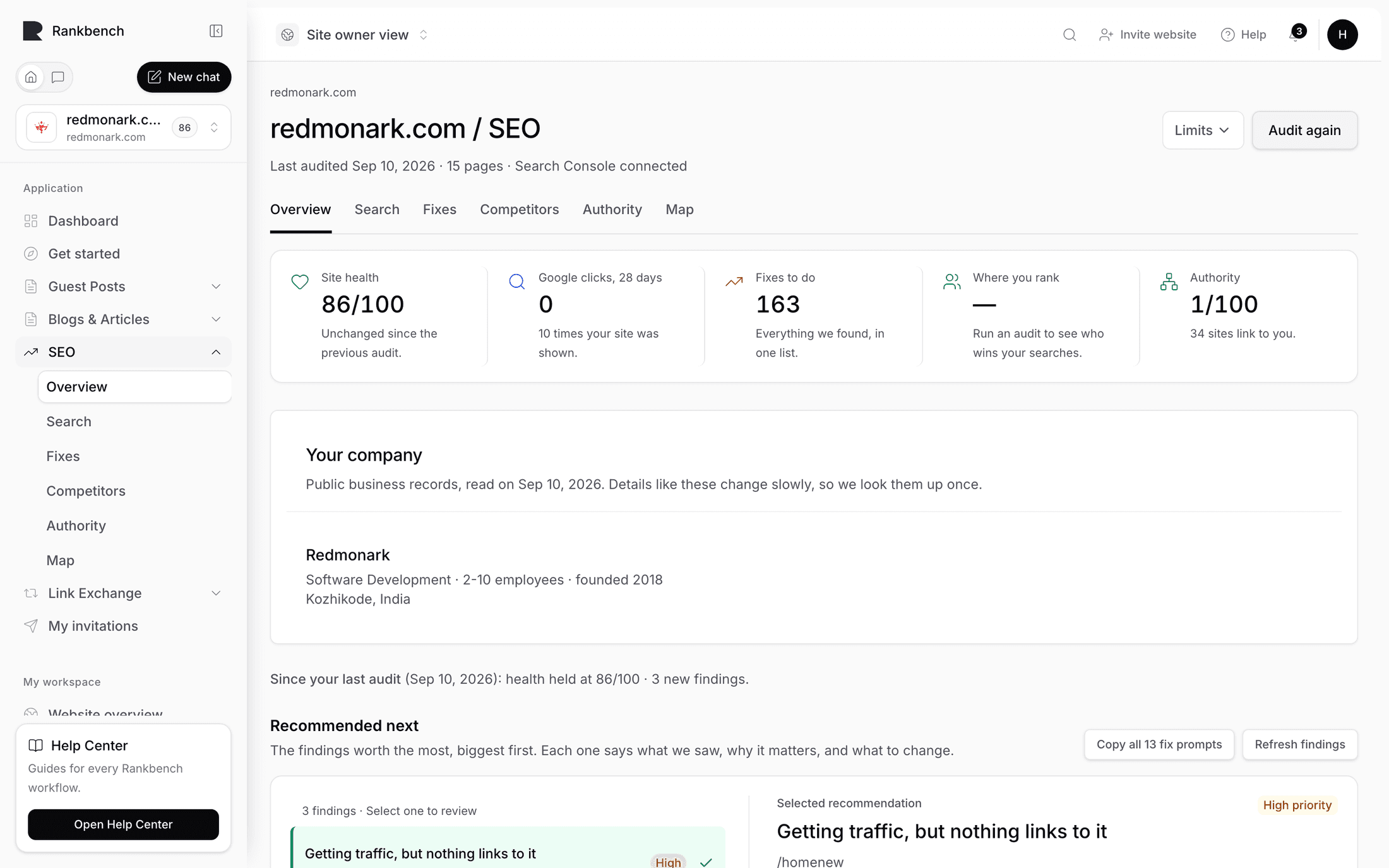
Audit again sits at the top right of every SEO tab. On a site that has never been audited it reads Run the site audit.
The site has to be verified first. Until it is, the button is replaced by a prompt to verify ownership, because nothing runs against a site nobody has proven they own. See proving your site is yours.
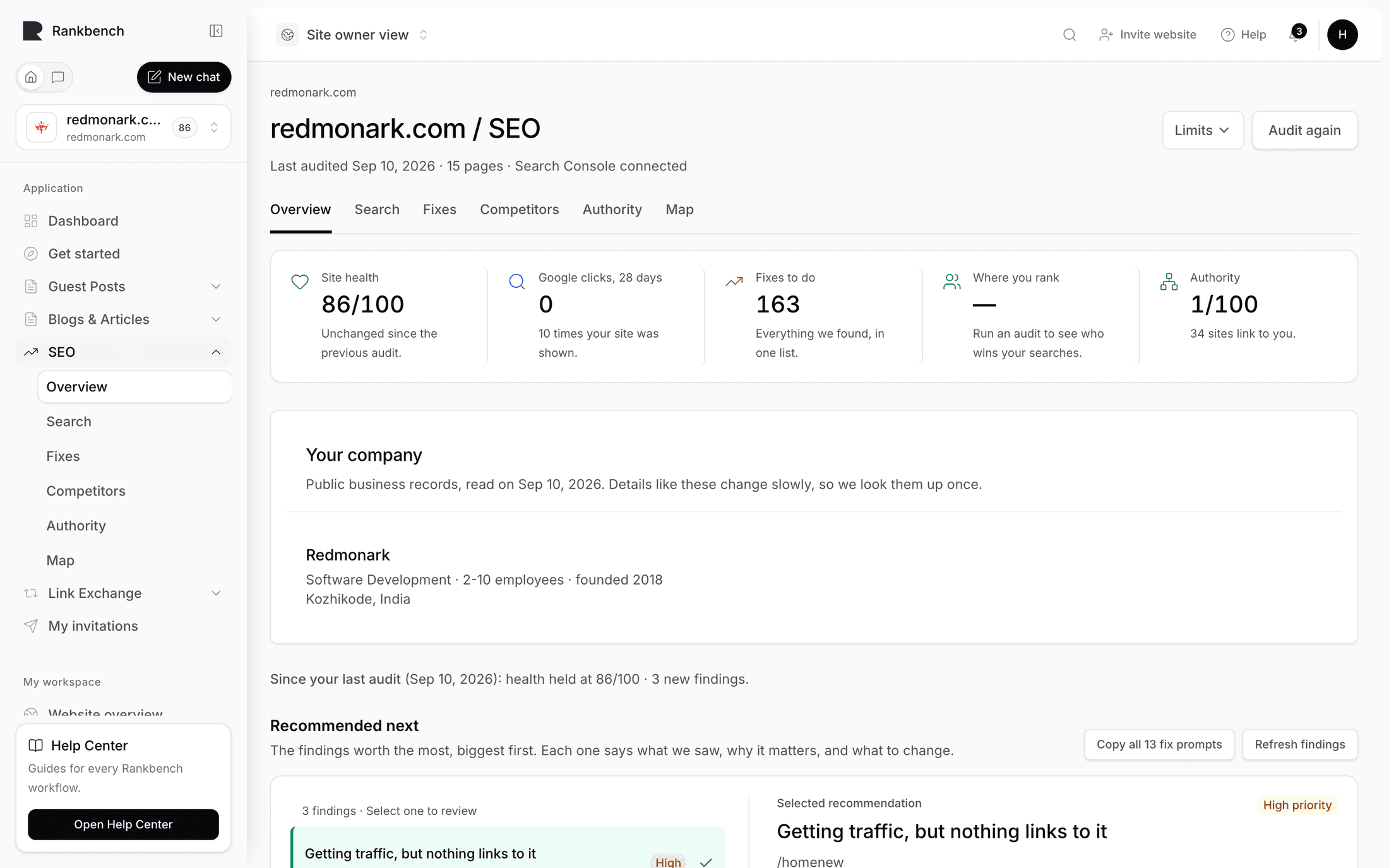
Limits
Limits opens two optional caps, and the panel says up front that most people do not need them: "Only if you want to cap the run — the defaults cover almost every site."
Pages to audit caps how many pages are fetched.
How deep to go caps how many clicks from the homepage the audit will follow, described as "Clicks from the homepage to follow. 2 covers most sites."
Reach for these on a very large site, or when you only want a quick look at the top of the site.
What it does, in order
Nine steps, all inside the one run.
It crawls your site, following your internal links from the homepage outward, fetching each page it finds. Nothing on your site is changed; it only reads.
It builds the link graph and runs the structural checks, which is where missing titles, missing headings, broken links and orphan pages come from.
It scores the site's health from those checks.
It works out what each page is about, so pages can be grouped by topic later.
Then four things happen together: internal link suggestions are generated, the market around your site is measured, your authority is read, and your company details are looked up.
Findings run last. That order matters: most findings need search data or authority facts to be worth anything, and evaluating them earlier would report a cleaner site than the audit actually found.
None of the middle steps used to be automatic. Suggesting internal links and refreshing authority were once separate buttons, which is why some sites had an empty Authority tab for months. They are part of the run now.
How long it takes
A few minutes for a typical site. The page shows progress as it goes, counting pages audited against pages found, and you can leave. It keeps going without the tab open, and you get a notification when it finishes.
When it goes wrong
The messages are specific, because the specific thing is usually the fix.
"We couldn't reach your site" means the homepage did not load for Rankbench, whatever a browser shows you. Check Website address in your site's Settings, where you can add or drop "www." or change the page, and check the site is online.
"Every page we tried failed to load" points at the same thing one level deeper: the address resolved but nothing behind it could be read.
"The audit stopped early" means something went wrong partway. Try again, and if it keeps failing the site may be blocking automated visitors. Bot protection is the usual culprit.
A run that read nothing tells you so rather than reporting a healthy site with no pages.
What it fills in
When it finishes, everything below is current: the health score, the fix list, the map, the topic groups, your authority reading, the competitor snapshot and the company card. The Since your last audit line appears comparing this run with the one before.
What happens without you
Two things run overnight and neither is an audit.
Findings are re-checked, so a problem you fixed yesterday stops being reported today without you needing to re-run anything.
If Google Search Console is connected, it syncs, so your clicks and positions stay current. See connecting Google Search Console.
The crawl itself is always something a person presses. That is deliberate: it is the expensive part, and it should happen when you have changed something rather than on a timer.
Where to go next
Read what it found in the SEO overview, then work through the Fixes tab.
Still stuck?
Open Rankbench and the page this article describes — most screens explain themselves as you go.