
Pages you share
Updated · First published
Pages you share is your inventory: "Partners pick one of these when they ask you to host their link. You still agree every link."
A partner considering an exchange sees this list, and asks for a link on one of them.
Sharing is not promising
Putting a page here does not commit you to anything. It says a partner may ask.
The wording of every link, the page it points to and whether it goes in at all are agreed one link at a time afterwards. The panel for adding pages says so plainly: "Sharing a page promises nothing. Every link is agreed one at a time."
So a generous list is not a risk. It is what makes you worth approaching.
What can go in it
Pages on your own site.
And pages you published elsewhere that you can still edit, which count just as well. In your list they sit together under Published elsewhere. See pages you published elsewhere.
Start with your sitemap
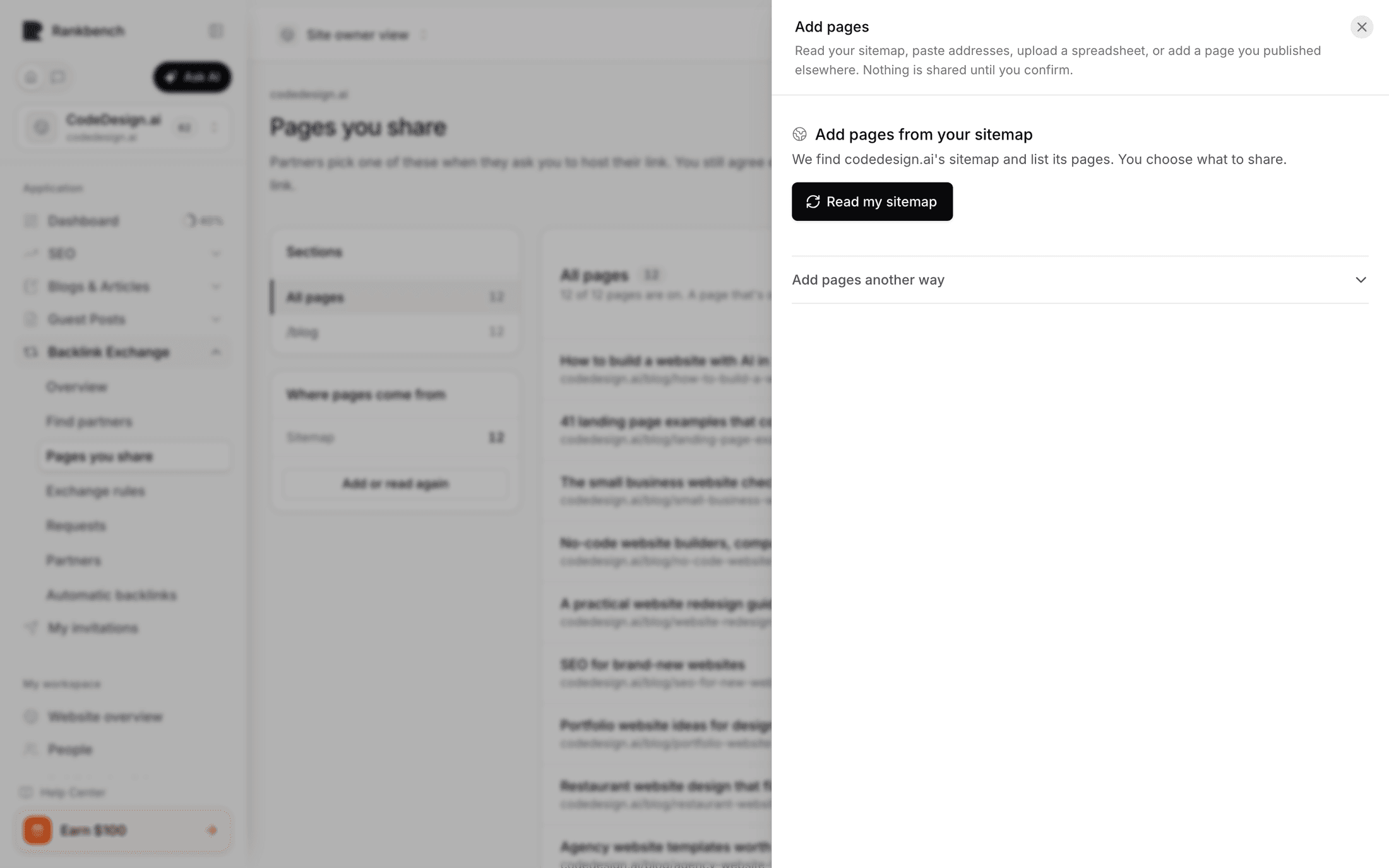
Add pages opens the ways to add them in a side panel. Read my sitemap is the fastest way in. Rankbench finds your sitemap itself, at the usual addresses or wherever your robots.txt says it is, and lists every page it holds, newest first. If yours lives somewhere unusual, Use a different sitemap takes any address on your own site.
On a site with nothing shared yet this happens as soon as you open the panel.
Only the pages you want
Most sitemaps list far more than articles: product pages, tags, the cart, the privacy policy. Two short lists narrow it before you share anything.
Only pages under keeps pages below the paths you give it. /blog keeps /blog and every page beneath it, and nothing else.
Leave out drops pages below the paths you give it, even inside an included one. /blog/tag is the usual example.
Under the filter, Sections in this sitemap shows your site's biggest sections with their page counts. Pressing one, say /blog, is the quickest way to share just your blog.
When you share, Remember this filter for next time keeps it for the next read, and for new posts on a blog Rankbench hosts for you. If pages you already share fall outside a filter you have just saved, you are asked whether to remove them too; saving a filter never removes anything on its own.
The review step
Nothing is shared until you confirm it. Whichever route you took, you are shown what was found and choose what to keep.
Untick anything you would rather not offer. Pages you already share are not listed again, and pages you removed earlier are listed with a Removed earlier note and left unticked.
Other ways to add pages
Under Add pages another way:
Paste addresses. One per line, full addresses.
Upload a spreadsheet. Excel or CSV, in whatever layout you already keep. You are shown the columns and pick the one holding the addresses, with a separate optional one for titles.
A page I published elsewhere. For a piece on somebody else's platform.
The saved list
The list is split the way your site is laid out. On the left, Sections lists your site's folders, such as /blog, with how many pages each holds, then Where pages come from: your sitemap, your blog on Rankbench, pasted addresses and so on. Pick a section to see only its pages.
Each page shows its title and address, and a switch. A page that's on is one partners can pick; turn it off to take it out of what partners see without deleting it. That's the one to use for a page you are rewriting, or one you would rather not offer this quarter. All, On and Off above the list narrow it down, and a filter finds a page by title or address.
Remove from my list, in the ⋯ beside a page, takes it off the list, and it stays off: reading your sitemap again, uploading the same spreadsheet or publishing on your hosted blog never brings it back. Removed under the sections holds everything you removed, with Restore beside each one.
Above the list, a count of what is on against what is there, such as "161 of 839 pages are on." <!-- example -->
Why an empty list blocks you
If you share nothing, a partner has nowhere to ask for a link, so the exchange has nothing to be about. The request form says so and sends you here.
The same is true if you share pages but hide all of them. The form is specific about that case rather than reporting a generic problem.
Which pages are worth sharing
Pages that would genuinely be useful to somebody else's readers. A guide, a comparison, a piece of research.
Not your homepage alone. A partner asking for a link usually wants a relevant page rather than the front door, and a list of one is a short conversation.
Where to go next
Finding a site to exchange with is the next step. Pages you published elsewhere covers the other kind of page you can offer.
Still stuck?
Open Rankbench and the page this article describes — most screens explain themselves as you go.