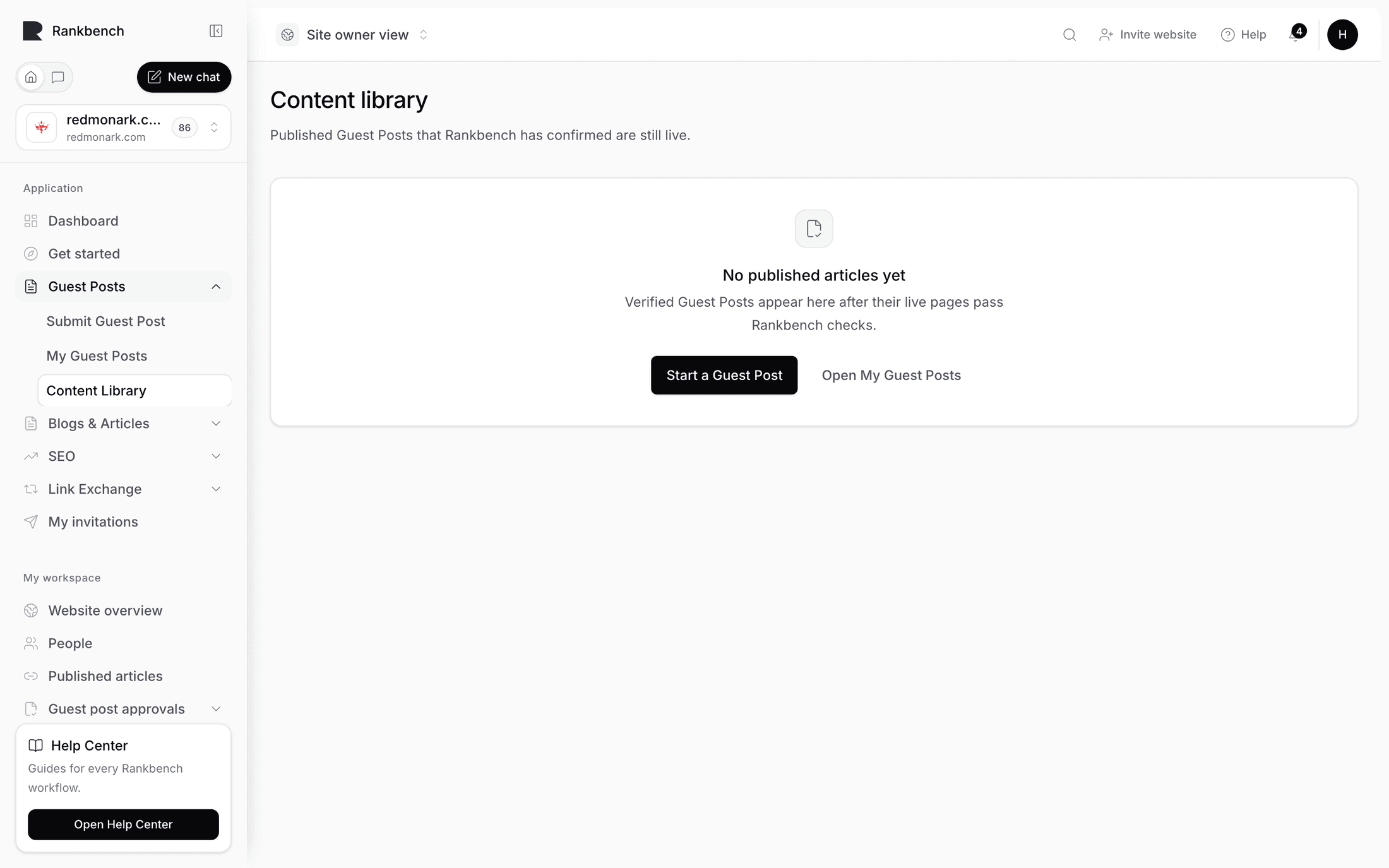
The Content Library
Updated August 24, 2026
The Content library is the end of the guest post journey. Its subtitle is the whole idea: "Your published guest posts, each one checked to still be live at its URL. This is your proof-of-work — every article here has been confirmed on the open web."
What earns a place
One thing, and only one thing. The card at the top of the page is called Published and verified, and it explains the rule: "An article lands here once it's live and we've confirmed the page really exists."
An entry is created by a passing live check, and by nothing else. Not by approval, not by publication, and not by anyone typing one in. There is no "add to library" button, because a library you can add to by hand proves nothing.
That means an article gets here by going the whole way: written, submitted, reviewed, approved, published on the destination site, live URL recorded, and then fetched by Rankbank and confirmed to be a reachable, indexable page carrying the links that were approved. What that check involves is covered in publishing and the live check.
An entry is created exactly once per article. Later checks on the same post update when it was last confirmed rather than adding a second row.
The table
- Content title, with
Version {n}underneath. That is the approved version the live page was checked against, so you can tell at a glance whether a post went through rework. - Content type, currently always "Guest Post".
- Original Author, or "Unknown author" if that account is no longer around.
- Live URL, clickable, going to the published page.
- Published at, the date the site published it.
- Verified at, the most recent time the check confirmed it. This is the more interesting date of the two.
- Domain, the root domain it lives on.
- Link count, how many external links the approved version carried.
- Validation status, a badge showing the outcome of the latest check.
- An Open link, which takes you back to the article's own page with its full history: versions, feedback, live URL and every validation attempt.

Empty, and how to stop being empty
Before anything qualifies: "Nothing published yet" with "Once one of your guest posts is published and its live URL checks out, it appears here automatically."
Automatically is the operative word. If a post of yours is live and not here, the live check either has not been run yet or did not pass. Open the article and look at its Latest validation tile. As a writer, that is a fair thing to raise with the site: the page is up, the check has not been run. As a site owner, it is a Run validation press away.
Who sees what
The library is scoped, so the same page shows different things depending on which chair you are in.
If you write guest posts, you see your own verified posts, wherever they were published. That is a portfolio that spans every site you have written for, and no site owner can quietly remove an entry from it.
If you run a site, you see the verified guest posts published in your workspace. That is your record of what ran, who wrote it, and how many links each piece carried.
If you do both, you see both, in one table.
Using it as proof-of-work
The reason to care about this page is that everything on it was verified by fetching the actual page.
For a writer, that turns an awkward conversation into a link. "I have written for these six sites" is a claim. A list where every row carries a live URL, a verification date and a link count is a record, and the person you are pitching can click any row and see the article.
For a site owner, it is the honest answer to "what have we published, and is it still up". A post that quietly disappeared, or lost its links in a template migration, shows up as something other than a clean verification rather than staying green forever.
Tip
The table arrives with the most recently verified article first, so the top of your library is the strongest thing to show someone. A fresh Verified at date says the link is still there today, not just on the day it went up.
Where this fits
The library is the last stop in the guest post module, but it is not the only place these links matter. Links from other sites are what moves a site's authority, which the audit side of Rankbank measures and reports on. If earning more of them is the goal, guest posts are one route and link swaps are the other.
Still stuck?
Open Rankbank and the page this article describes — most screens explain themselves as you go.