
Working your fix list
Updated · First published
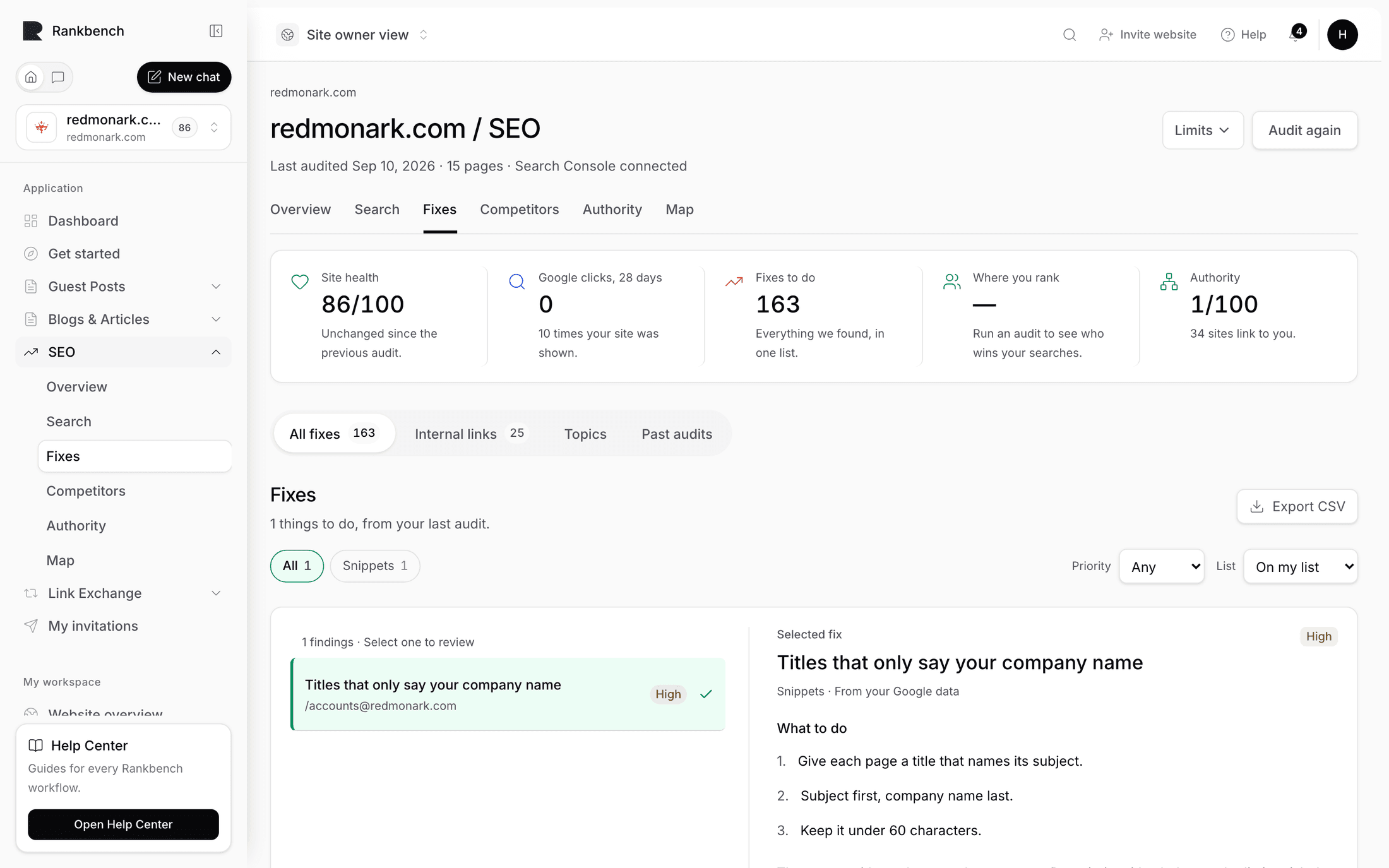
Your fix list is not a separate page. It is the On my list filter on the Fixes tab, holding everything you accepted and have not finished.
That is a deliberate simplification. Accepting a fix does not move it somewhere else you have to remember to visit; it changes its state in the list you were already looking at.
Getting things onto it
Press Add to my list on a line inside a job on the Fixes screen. Suggested internal links go on the same way, with Add in the internal links view.
The Overview's Fix the top issue now is the fastest way in: it opens the job worth the most.
The four states
To do is everything you have not decided on yet.
On my list is your queue.
Done is what you have made.
Not relevant is set aside, and stays set aside across future audits.
Marking something done
Make the change on your own site, then press Mark as done.
Rankbench never edits your website. Every fix is a change you make in your own CMS, and marking it done is you telling Rankbench to go and look.
For anything checkable, the next audit is the check. If the problem is genuinely gone it stops being reported. If it is still there it comes back, which is the loop doing its job rather than the product being difficult. The usual causes are a change made in a preview and never published, or a change made to a template the page does not use.
Suggested links have their own confirmation
An internal link you accepted is more specific than most fixes: a named page should link to another named page, with particular wording. So when you mark one done, the page is fetched again and checked for that link.
Three outcomes. The link is there, in which case it is confirmed. The link is not there, in which case you are told. Or the link exists with different wording or in a different place, which is reported as a mismatch rather than a pass, because the wording is part of what makes an internal link useful.
A rhythm that works
Filter to On my list and pick a kind. A session of one kind beats a session of one page: fifteen missing headings is one decision applied fifteen times.
Use Copy prompts in the ⋯ menu when the work is textual. Titles, descriptions and headings go over to an AI editor as a batch and come back as a batch.
Then run an audit and read Since your last audit. That line reports the health move and the new findings, and it is the only honest answer to whether the week's work mattered.
Do not try to empty the list. On most sites it will never be empty, because every audit finds more. The list is ordered by cost, so the top of it is always the best use of an hour.
Where to go next
The Fixes tab covers the list itself. For the whole loop as one story, read how to run your first site audit and ship the fixes.
Still stuck?
Open Rankbench and the page this article describes — most screens explain themselves as you go.