Your first site audit, from "read my site" to fixes you can ship this week
Updated August 24, 2026 · 11 min read
Most people run their first audit, look at a page full of numbers, and close the tab. That's a fair reaction. A list of eighty things wrong with your website is not a plan, it's a mood.
So this walkthrough does the opposite of a feature tour. You'll read one site, look at exactly four numbers, and then take two items all the way to done: one finding and one structural problem. By the end you'll have made real changes to your site and watched Rankbank confirm them. That loop is the whole product. Everything else is more of it.
The site in the examples is a small B2B site with about ninety pages. Yours will have different numbers. The shape will be the same.
What you'll have by the end
- A completed read of your site, with a health score you understand rather than fear
- One finding taken from the card to a rewritten title live on your site, marked done
- One broken link fixed and confirmed gone on the next read
- A weekly rhythm you can actually keep, and an honest picture of what runs by itself (nothing does)
Before you start
You need a site added to your workspace and, ideally, verified. Adding takes a minute and adding your first website covers it. Verification matters more than it sounds: it keeps your audit data private to you, and on a freshly verified site the first read starts on its own. Proving your site is yours walks through all four methods, and any one of them is enough.
If your site is already verified and the first read fired automatically, skip ahead. You'll have numbers waiting.
You do not need Google Search Console for any of this. Connecting it makes suggestions sharper and puts a click value on things, and connecting Google Search Console covers it when you're ready. The audit half works fine without it.
Reading the site
Open your site and go to the Overview page under SEO. On a site that has never been read, the description says so plainly: "Rankbank hasn't read this site yet. One crawl fills in everything below." Scroll to the panel at the bottom and press Start the audit.
Rankbank opens your homepage, reads robots.txt and your sitemaps, then follows your internal links outward. It records what each page says and what links to what. It changes nothing. The panel makes the same promise in its own words: "Nothing on your site is changed — it only looks."
While it runs you get a live count.

Three numbers, and it's worth knowing what they mean. Read is pages fully fetched and parsed. Found is pages discovered so far, so it usually runs ahead of read. Unreachable is pages that failed to load, which is itself useful information: those are often the broken links you're about to fix.
The defaults are 100 pages and 2 clicks deep from the homepage. That covers most small sites completely. If yours is bigger, open the Limits disclosure before starting and raise them. The helper text is honest about it: "Only if you want to cap the run — the defaults cover almost every site."
If it finishes with nothing, you'll see "We couldn't reach your site" instead of results. That means every fetch failed, which is nearly always a wrong address in your site settings or a firewall blocking automated visitors. The crawler identifies itself as RankbankSiteIntelligenceCrawler/1.0, so if you run a WAF, allowlist it and try again. How Rankbank reads your site has the full list of failure messages and what each one means.
A read of ninety pages takes a couple of minutes. When it lands you'll see "Finished reading your site" with the page count, and everything below it fills in.
Four numbers, in the right order
Here is where most people spiral. Don't read the whole page yet. Read four tiles.

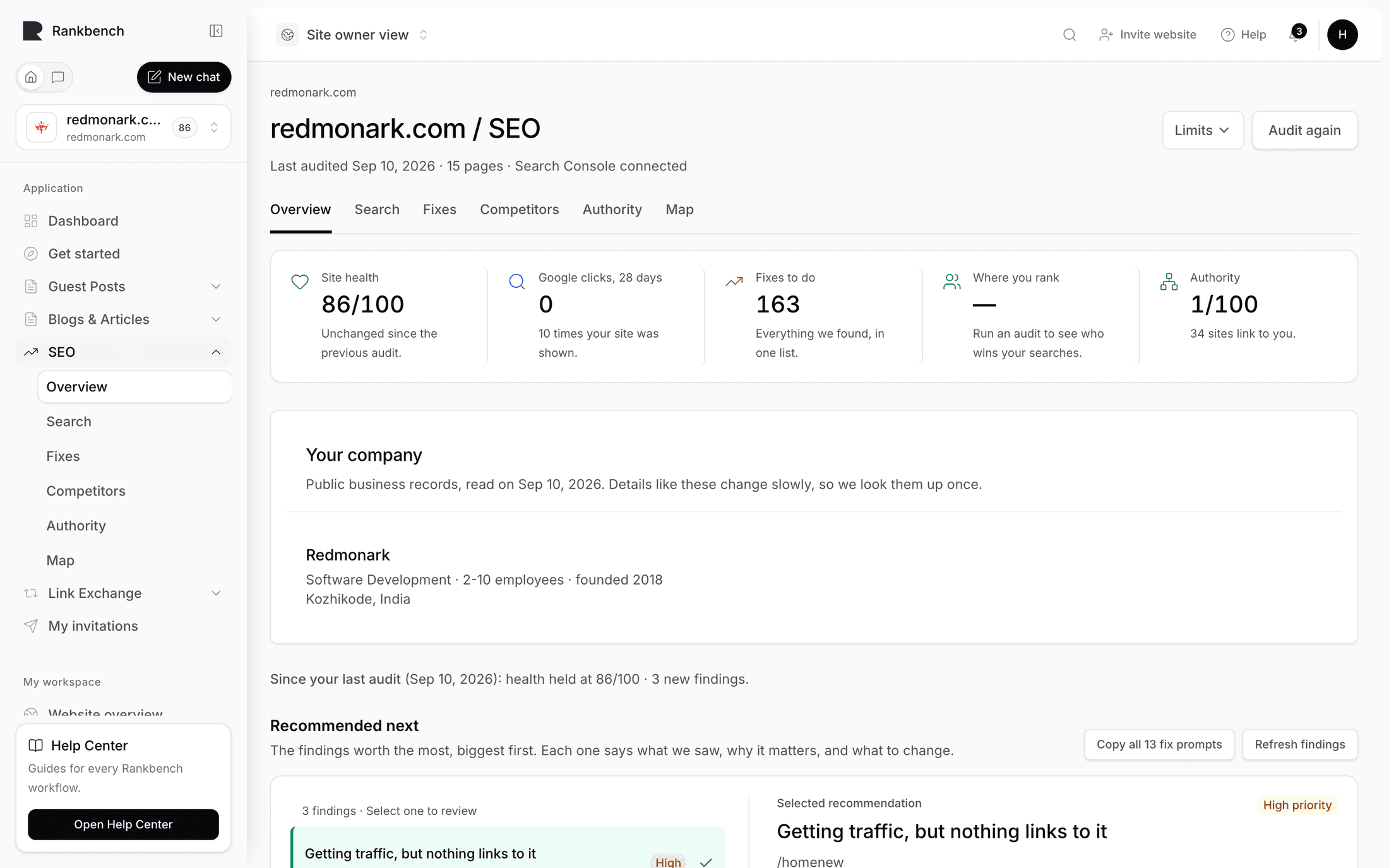
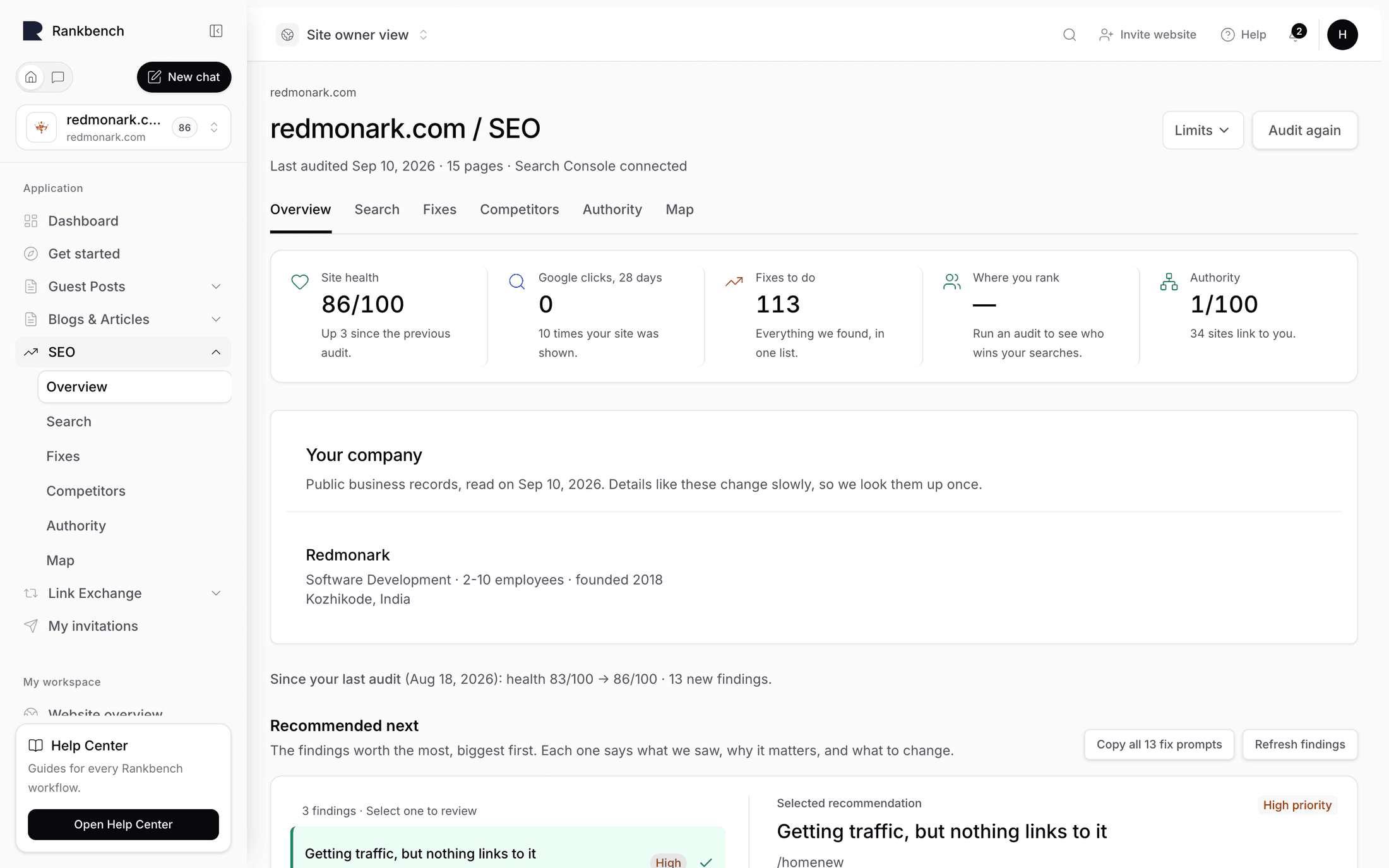
Site health is a score out of 100. Problems to fix counts structural things that are broken. Clicks on the table is what the findings below are worth if you act on them, and it only carries a number once Search Console is connected. Google clicks, 28 days is what you're getting now.
The health score is the one people misread, so expand "How the 67/100 is worked out" and read the sentence at the top. Every site starts at 100, and each kind of problem takes points off in proportion to how much of the site it touches. That proportion matters. It means fixing anything can only push the score up, and it means a site that doubles in size isn't punished for growing.

There are no good and bad bands here. A 67 is not a grade. It's a baseline for comparing this site to itself after you've done some work, and that's the only comparison it's built for. The site health score explains the mechanism in full.
Do these three next
Scroll to Do these three next. This is the part of the overview that decides what your afternoon looks like.
Rankbank ranks every finding by what it's likely worth, then picks three, worst first. It never shows you two of the same kind, and never two on the same page, so you don't get three variations of one problem dressed as a plan. Wins are excluded, since a win is something already going right.

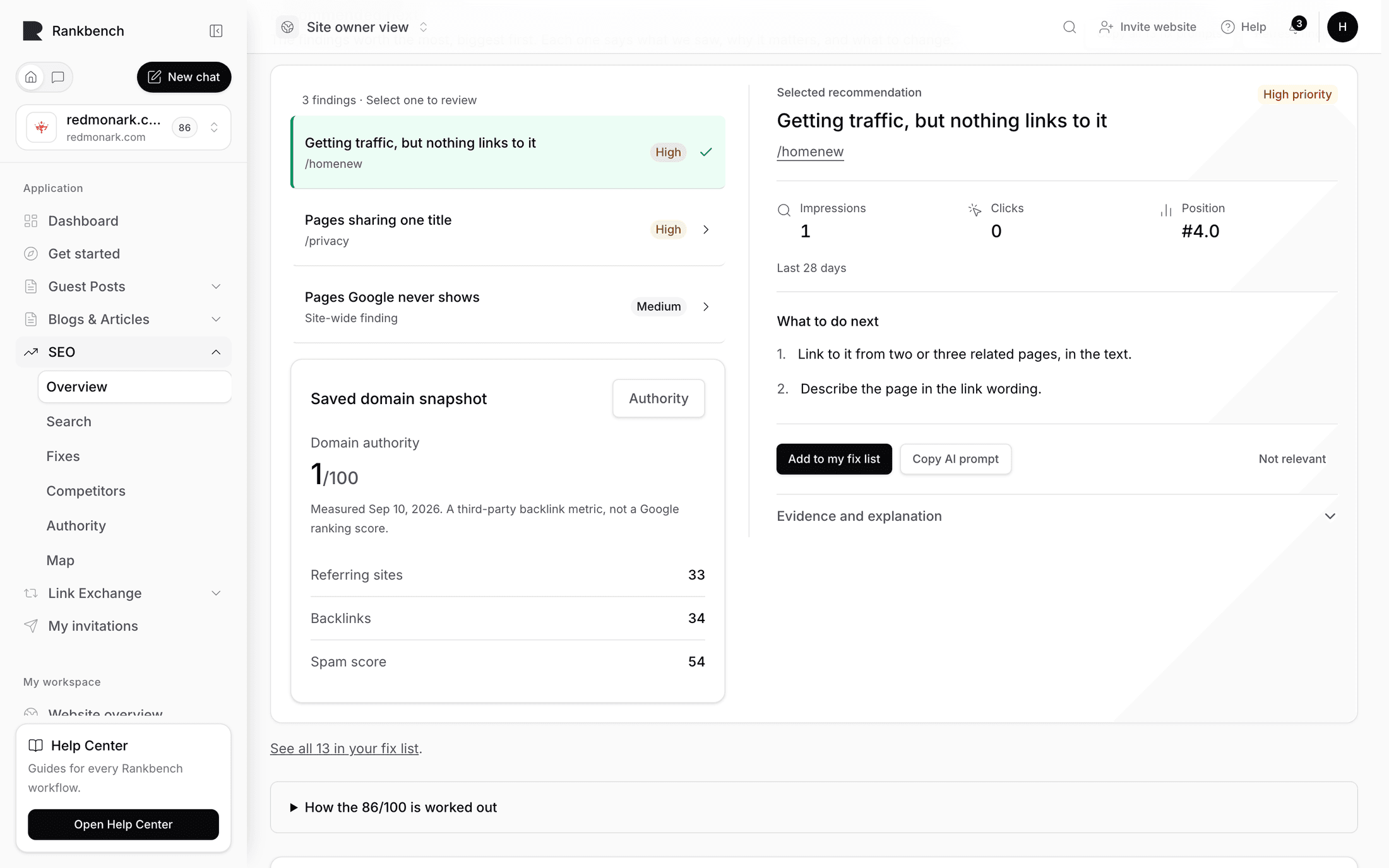
Pick the first one. For this walkthrough I'll use a common one: Ranks well, wins few clicks. It fires when a page already appears in search plenty but earns far fewer clicks than its position should get. In plain terms, Google is showing your page to people and they're choosing somebody else's result.
Taking one finding all the way
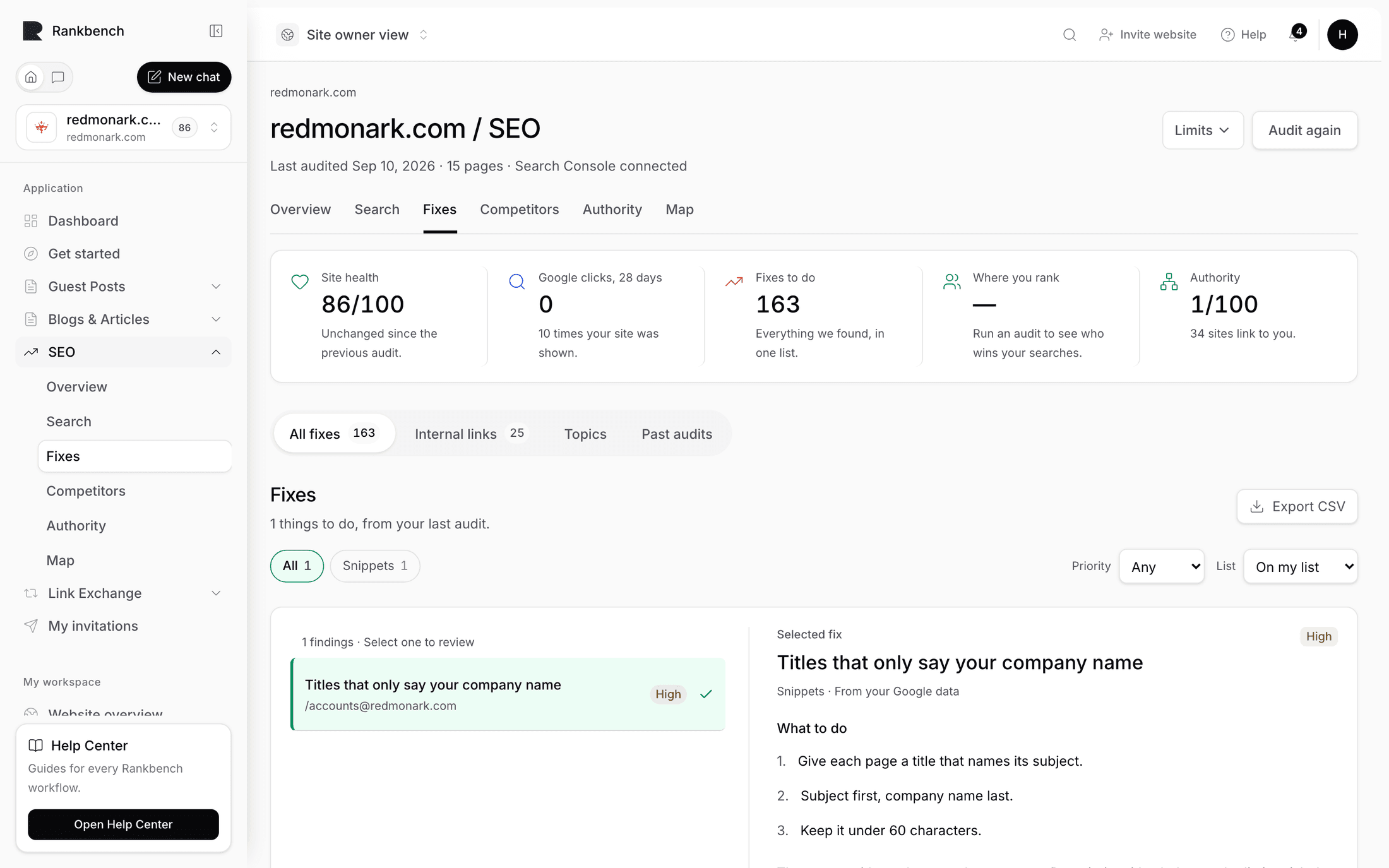
Every finding card is laid out in the same four beats: what we saw, what it's worth, why it matters, what to do. Read them in order and the card argues its own case.

The evidence line is specific on purpose: something like "Seen 2,400 times a month at #6, earning 31 clicks", plus the page's current title in quotes. If market data is available you may also see a line estimating what those clicks would cost to buy as ads, with a note underneath saying it's estimated from advertising data, not from your site. Take that as scale, not as a promise.
Open the disclosure Why this matters, and how to fix it. You get the reasoning and numbered steps. Findings: how to read a card breaks the anatomy down properly, and everything Rankbank looks for lists all 58 findings with the conditions that fire them.
Now do the work. Three actions sit at the bottom of the card.
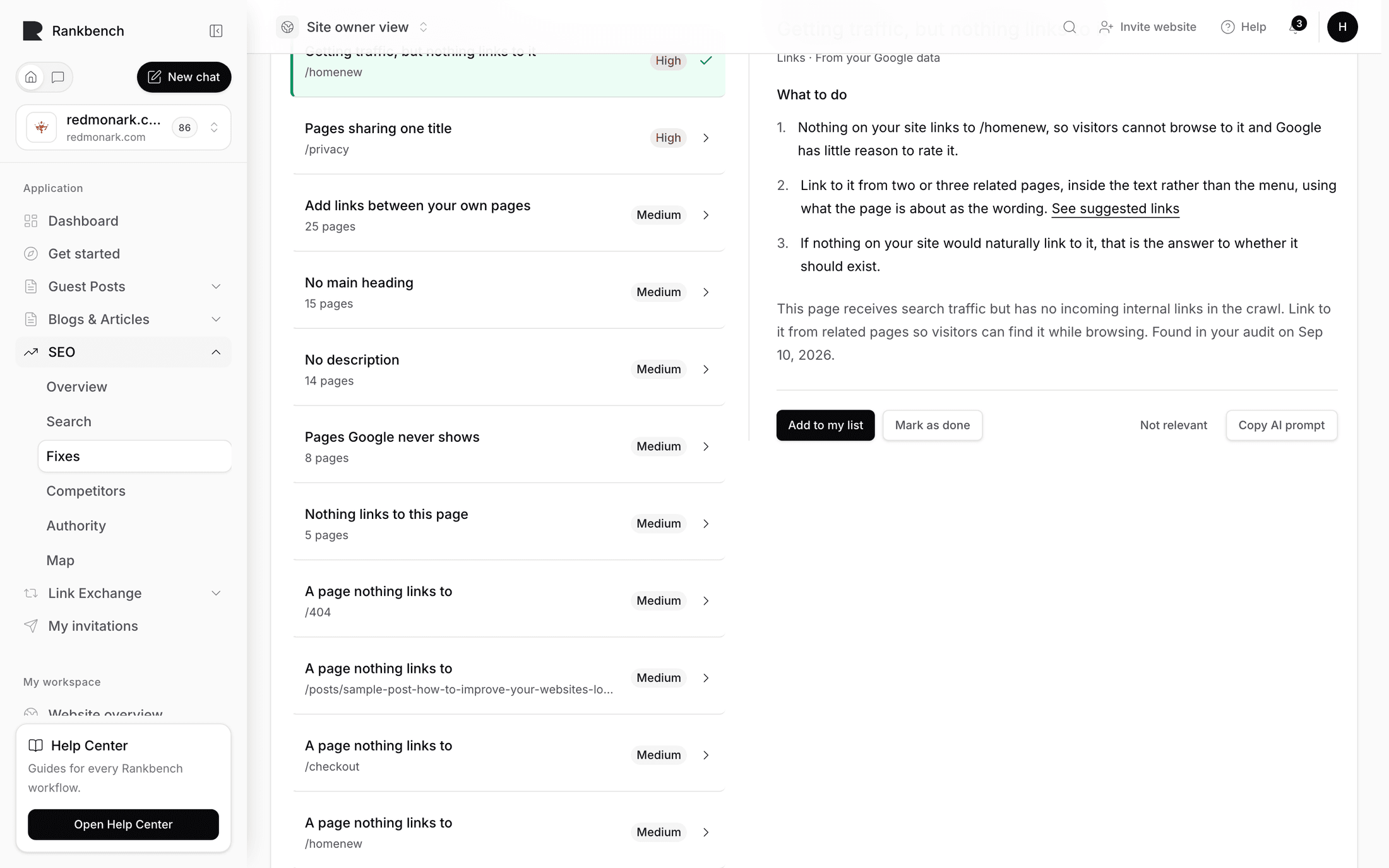
Press Add to my fix list first. You'll bounce back to the overview with a banner: "Added to your fix list. Open it when you're ready to make the change." That's your record that you decided to do this, and it survives you closing the laptop.
Then press Copy AI prompt. The button flips to Copied for a few seconds with a line underneath telling you to paste it into ChatGPT, Claude, or your AI editor. That instruction is literal. No AI runs inside Rankbank on your site. The prompt is assembled from the evidence already stored for that page: its real title, its real description, the real queries people used to reach it. You paste it somewhere else, and you own the result.

Paste it, read what comes back, and pick the version you'd actually publish. This is the step to stay awake for. The prompt ends by asking for only the rewritten text, so you get options rather than an essay, and your job is to choose one that sounds like your company and still says what the page is about.
Take that title into your CMS. Save. Give your site a minute if you're behind a cache.
Then open Your fix list from the audit nav and press I've made this change on the finding you accepted.

The tiles across the top are also filters: To do, In progress, Done, checking, Confirmed, Not found, Almost. For link tasks that check-back loop is literal, since Rankbank re-reads the page and tells you whether the link is really there. Almost is the interesting one: the link exists, but with different wording or in a different place than the task asked for. Your fix list covers the whole loop.
That's one finding, start to finish. Roughly fifteen minutes, most of it spent choosing a title.
Now one structural problem
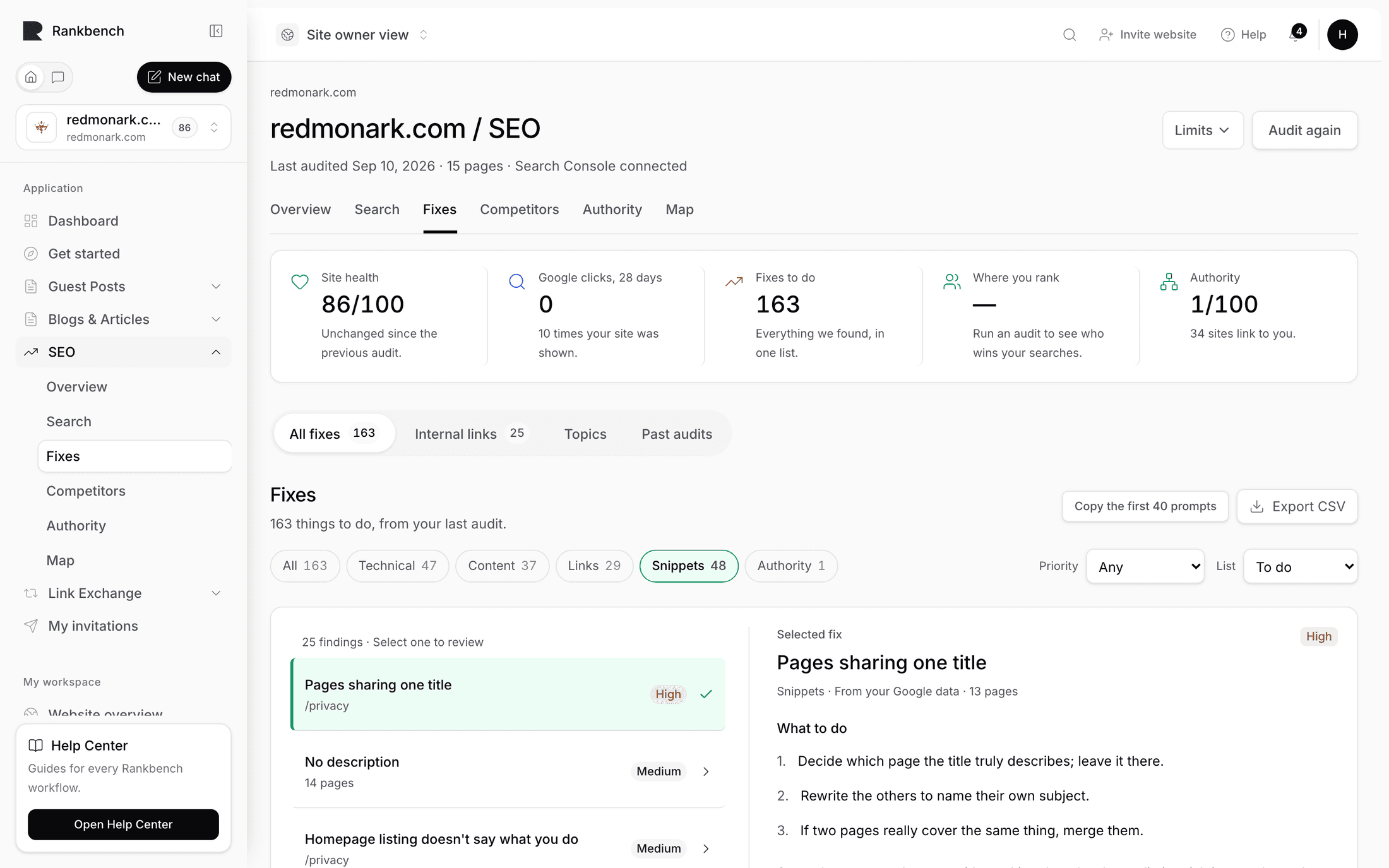
Findings are opportunities priced from search data. Problems are things that are plainly broken, found by reading the site. Different page, different mindset. Open Problems to fix.

Set the filter row to Urgent or High and pick a broken internal link. The row tells you the page it's on, what it means, and a line starting with Fix: that tells you the action. For a broken link that line reads "Fix the link or remove it."
Do exactly that in your CMS. Either point the link at the page that actually exists now, or delete it if nothing does. Then come back and press I fixed this on the row.
If a row is something you're never going to change, use Ignore instead. It reveals an optional box asking why, with the placeholder "e.g. that page is meant to be private". Fill it in. Six weeks from now you will not remember why you ignored it, and Reopen and Stop ignoring are always there if you change your mind.
Note
"Came back" on the summary tiles means a problem you fixed has reappeared on a later read. It usually points at a template or a theme update rather than a single page, so it's worth more attention than a brand new problem of the same kind.
The Problems to fix page covers the filters and the CSV export, and every problem type, explained is the reference for all 23 kinds with their thresholds.
Proving it happened
Two changes made. Now go back to the overview, down to the Read this site again panel. The button reads Read it again now that the site has been read once. Press it. Same couple of minutes.
When it finishes, a section you didn't have before appears: Since your last read.

You'll see the health score either holding or moving from one number to another, a count of new findings, and a count of findings that are no longer true because you fixed them or the site changed. The Site health tile updates too, with a hint reading "Up 3 since the previous read" or similar.
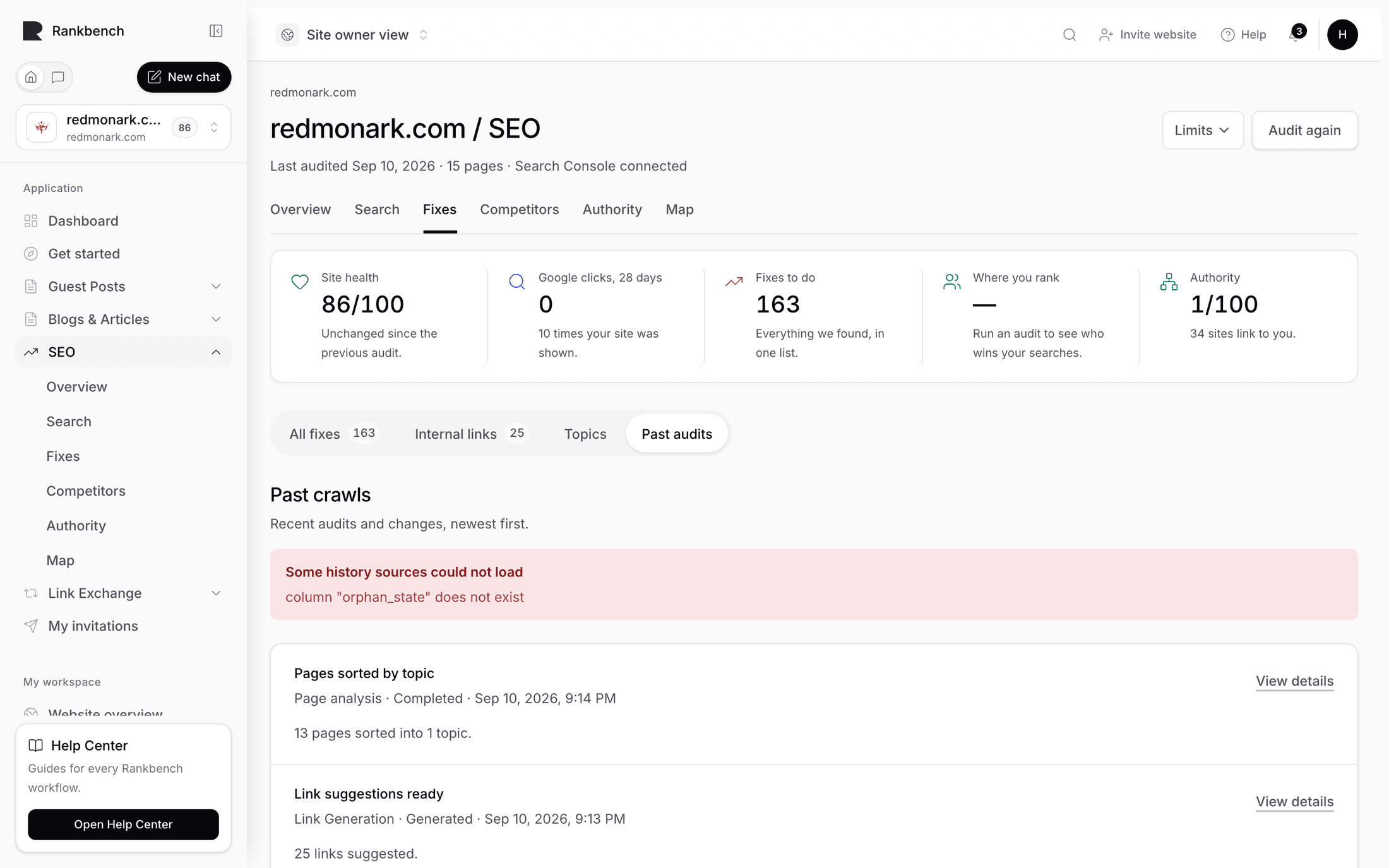
Two changes will not move the score much. That's correct, and it's the point of scoring by proportion. Watch the direction over a month instead of the digits over an afternoon. Past reads and history keeps every read on record, which is the honest way to check whether a fix helped.
A rhythm you can keep
Nothing here runs on a schedule. There are no recurring crawls and no automatic syncs. Every read happens because you pressed a button, which means the habit has to be yours.
What works for most people is a weekly half hour. Read the site with Read it again. Look at the four tiles. Do the top item in Do these three next and one row from Problems to fix. Read the site again at the end. That's it, and it compounds faster than a monthly four-hour blitz because the digest keeps telling you whether last week's work landed.
Read the site again whenever the site changes too, especially after a redesign or a bulk import. Those are exactly the moments when twelve pages quietly start sharing one title.
Tip
If you only ever do one thing on this page, make it the last one: read the site again after you make changes. An audit you never re-run is a list of complaints. An audit you re-run is a feedback loop.
Where to go from here
- Connecting Google Search Console: the two-minute step that puts a click value on every suggestion here
- The growth plan: once search data is flowing, this is where the next month of work comes from
- The map of your site: every page a dot, every link a line, and the fastest way to spot pages nothing links to
Still stuck?
Open Rankbank and the page this article describes — most screens explain themselves as you go.